I don’t recall the exact details anymore, and this is more a Gigabyte problem than a Windows problem per se, but at one point I couldn’t enter BIOS on startup because it wouldn’t accept USB inputs in their fast start up, and I couldn’t turn off fast start up without restarting with Windows secure boot of whatever, which was a small problem because while in boot it would accept numerical and function keyboard inputs, the option I needed was only selectable by mouse (and presumably touch screen) for God knows what reason. I also assume it was, in the before times, designed to be used with tab+enter as well but guess what key didn’t work?
Point is, I wouldn’t assume just because there’s a button they can click on it with Windows.
Or that clicking it won’t brick your system for that matter.
No, it didn’t brick any of the computers I’ve canceled this on. Then I went and did a quick regedit so it wouldn’t happen again. It will tell you when you cannot interrupt the changes.
Also, even linux has issues with some input devices, I’ve had it decide to use some unexpected keyboard format where keys don’t match and it doesn’t automatically load a mouse driver leaving you to try an alternative install that allows customization. But I got it installed just fine.
Real stretch there, trying to make sure “windoze bad.”
Not on this screen. I’ve not had a crash/reinstall since pre-Win7. XP? Plenty of times. Rebuilding registry hives. Reinstalling. Sure. Goddamn XP winsock error. 10? No. Occasional graphics driver issues when gaming? Yep. Seems like every second update.
Linux? Updates break my installs or installed apps all the damn time. Frustrating AF. Just tried updating my Raspbian desktop which broke my remote desktop install. Had to roll that back.


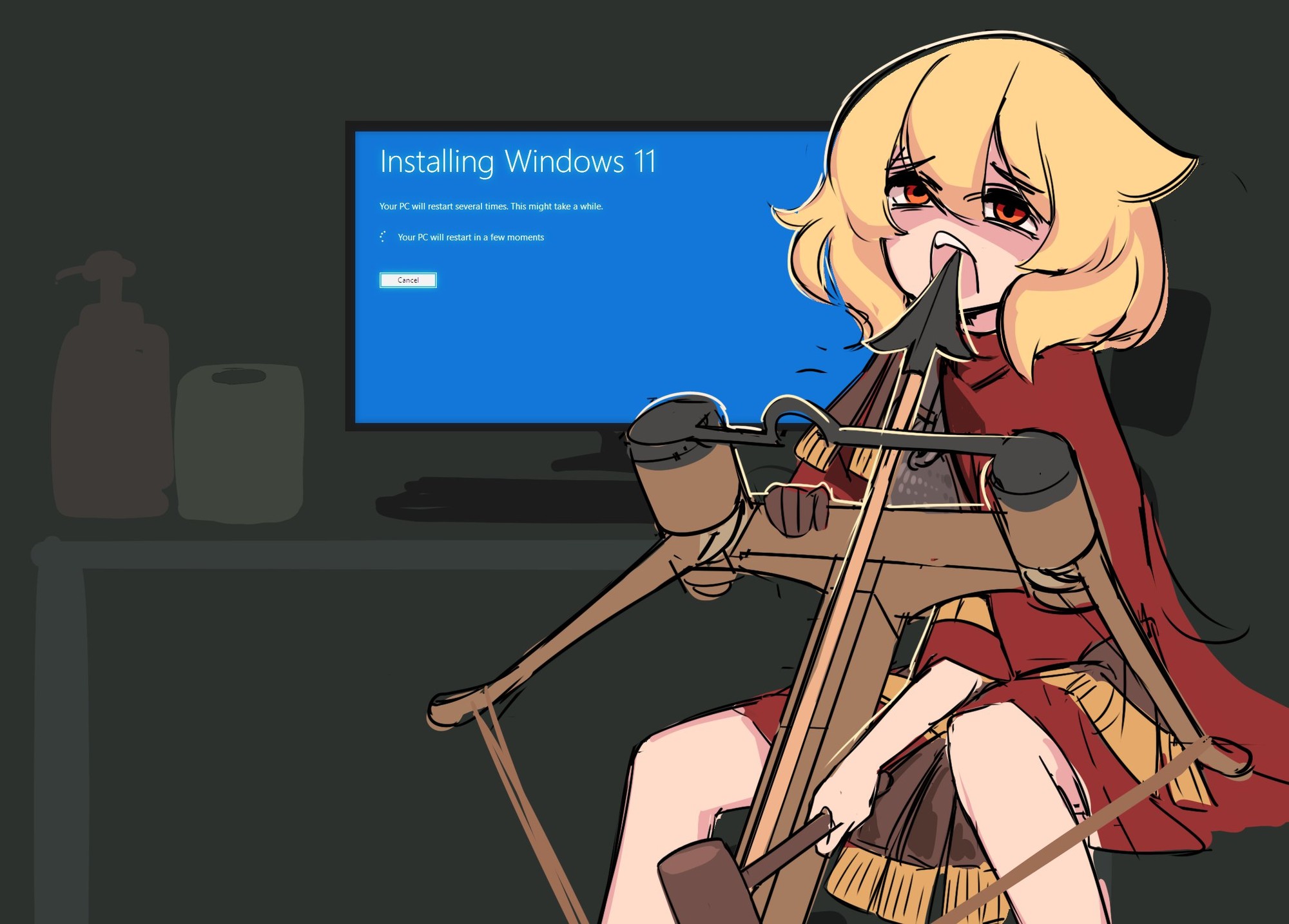
“Cancel”
Right there.
I don’t recall the exact details anymore, and this is more a Gigabyte problem than a Windows problem per se, but at one point I couldn’t enter BIOS on startup because it wouldn’t accept USB inputs in their fast start up, and I couldn’t turn off fast start up without restarting with Windows secure boot of whatever, which was a small problem because while in boot it would accept numerical and function keyboard inputs, the option I needed was only selectable by mouse (and presumably touch screen) for God knows what reason. I also assume it was, in the before times, designed to be used with tab+enter as well but guess what key didn’t work?
Point is, I wouldn’t assume just because there’s a button they can click on it with Windows.
Or that clicking it won’t brick your system for that matter.
Having had this screen appear on me…
No, it didn’t brick any of the computers I’ve canceled this on. Then I went and did a quick regedit so it wouldn’t happen again. It will tell you when you cannot interrupt the changes.
Also, even linux has issues with some input devices, I’ve had it decide to use some unexpected keyboard format where keys don’t match and it doesn’t automatically load a mouse driver leaving you to try an alternative install that allows customization. But I got it installed just fine.
Real stretch there, trying to make sure “windoze bad.”
Mmhmmm, the vaunted “it’s never happened to me” line, very convincing
Not on this screen. I’ve not had a crash/reinstall since pre-Win7. XP? Plenty of times. Rebuilding registry hives. Reinstalling. Sure. Goddamn XP winsock error. 10? No. Occasional graphics driver issues when gaming? Yep. Seems like every second update.
Linux? Updates break my installs or installed apps all the damn time. Frustrating AF. Just tried updating my Raspbian desktop which broke my remote desktop install. Had to roll that back.
Nothing is perfect.
Believe whatever you want.
Perfectly normal and believable.
FWIW, a ‘driver issue’ and ‘breaking an install’ seem like two different ways to describe a similar situation.
I offered it as the minimal issue I’ve had with the OS, not as a comparison to broken install of some sort.