

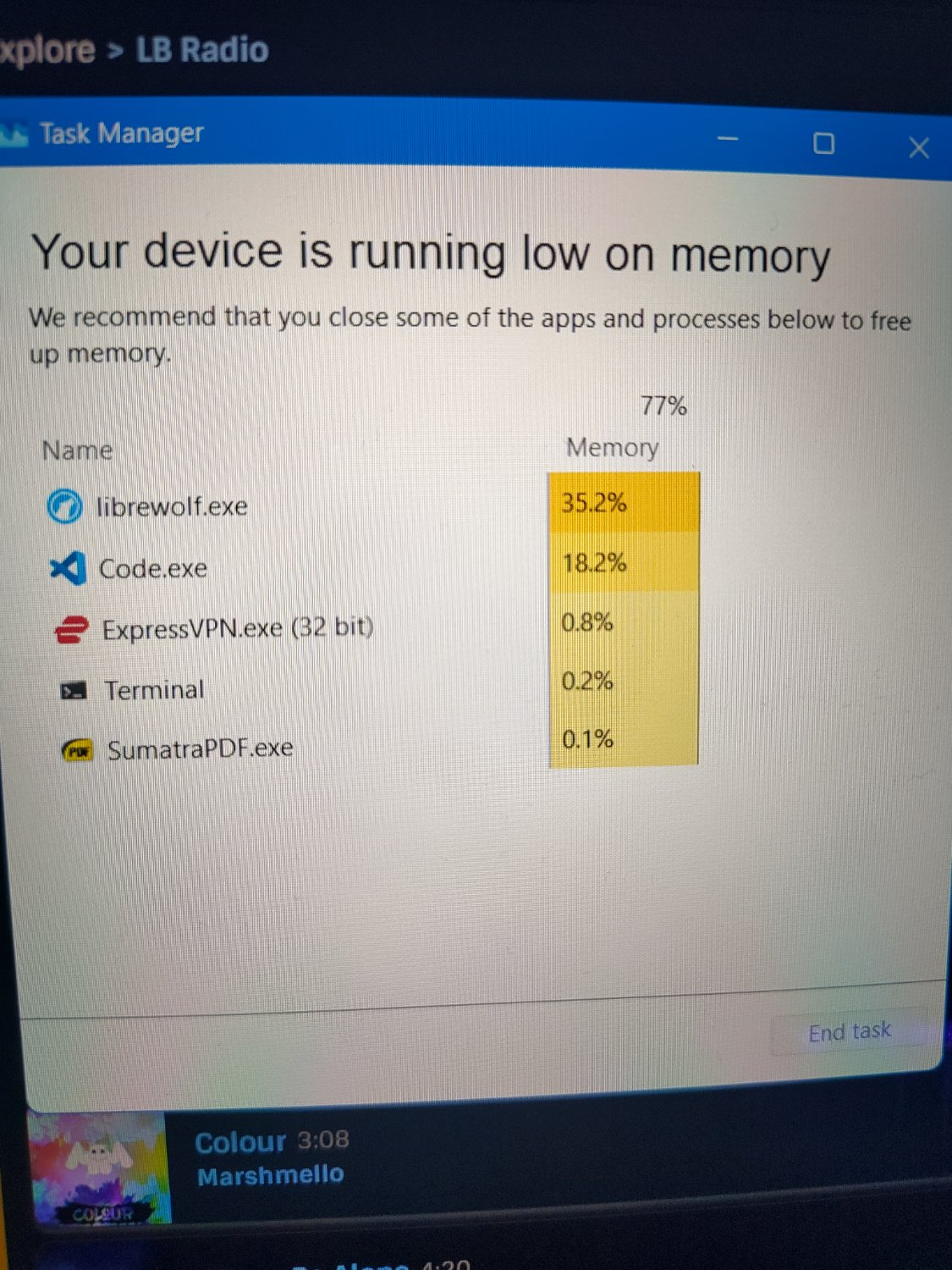
It all began with me trying to open a new window in VS Code. The system started stuttering, like if the memory would be running out. So I tried to open Task Manager. It confirmed my feeling.
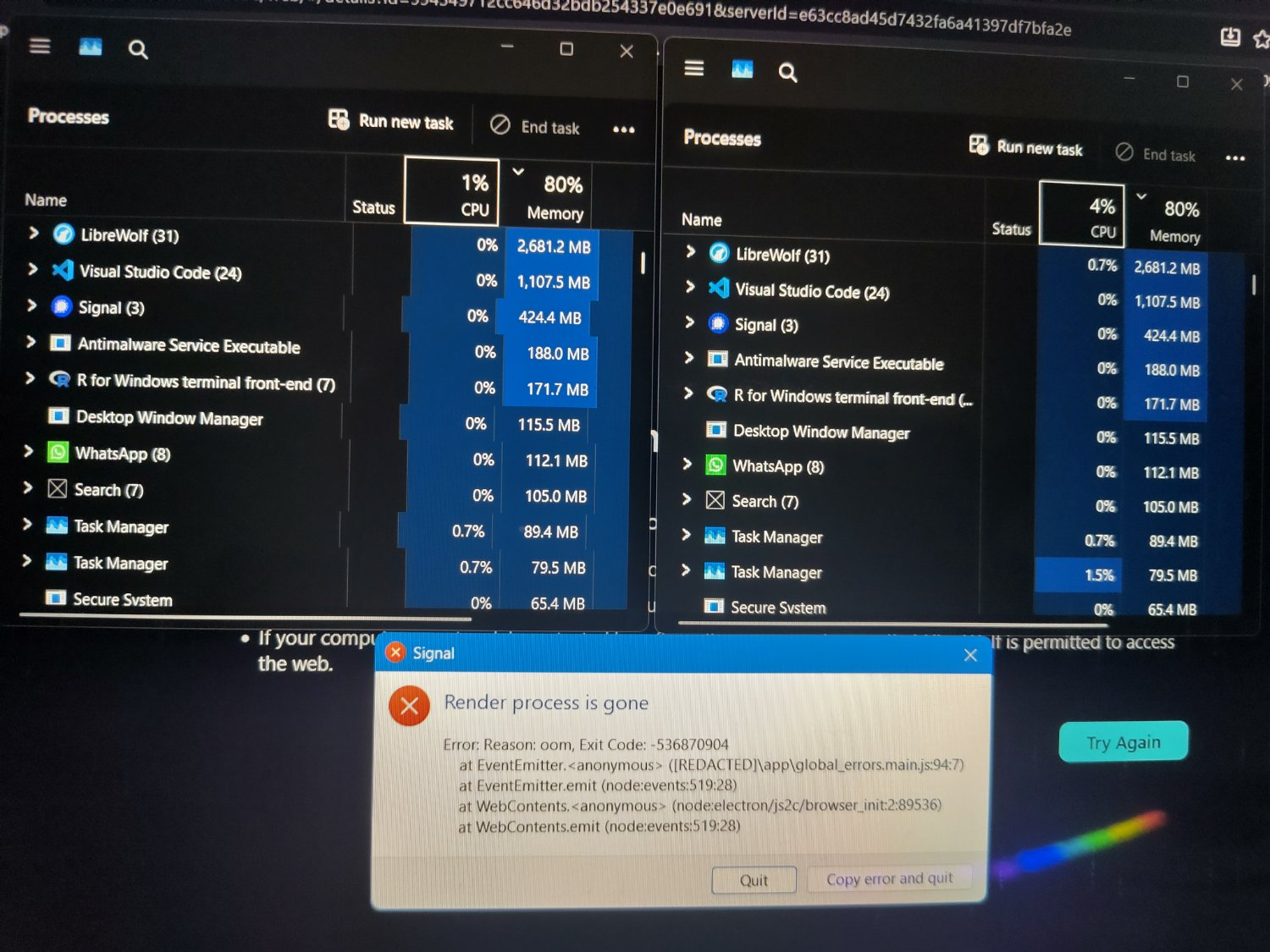
But after a few seconds the system started working again. After reopening Task Manager it showed I as a user was consuming only 5.2GB out of 16GB. So I wanted to take a screenshot of this. The system froze (except music) and after a few seconds it went black and then the UI restarted. Then I noticed I had two task managers (which I could not have ever achieved), one of which has broken columns and the Signal app has also crashed. I still couldn’t take screenshots, but at least it stopped crashing the system. So I hope restart helped fix this issue.
Personally, I think the reason for the weird crash was that I reduced recently paging file size from automatic (48GB!) To 8GB, since I was running low on storage. But as I said, opened apps were using under 6GB, so 10GB (with 8GB swap) for system should be enough, Microsoft!
Windows no longer respects the user and runs all kinds of shady processes in the background. It might be time to switch over to Linux.
I know. But it is so much work to switch and I plan to replace my laptop some time in (hopefully near) future. Since I don’t have space on my disk, I would have to first determine, what files to keep, transfer them, find a OS that works with my laptop (I tried to dualboot when I got it, but there were issues with touchscreen, stylus, nvidia GPU, etc.), setup the system … It’s just too much for me right now.
Understandable. You can try Linux Mint (for example) by flashing it to a USB stick and booting into it as a live OS without installing it. Should give you a good idea about how it works and whether it will fit your use cases. If you’re gaming, you can run games via Steam Proton in compatibility mode, even those on your disk that are not installed via Steam itself. Windows programs can also be ran the same way. Best of luck!