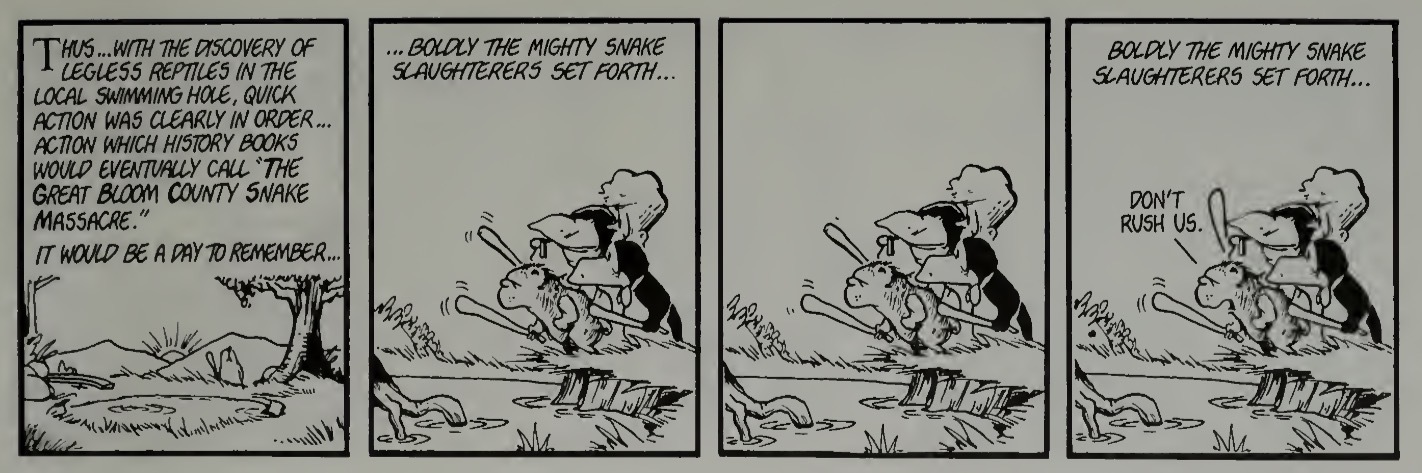
You must log in or # to comment.
Wow that’s some intense JPG compression artifacting going on… Do you have the ability to dial that back or is that in the source you’re using?
It is a screenshot of the Internet archive scanned pdf. It may be your instance/client, because it looks fine to me.
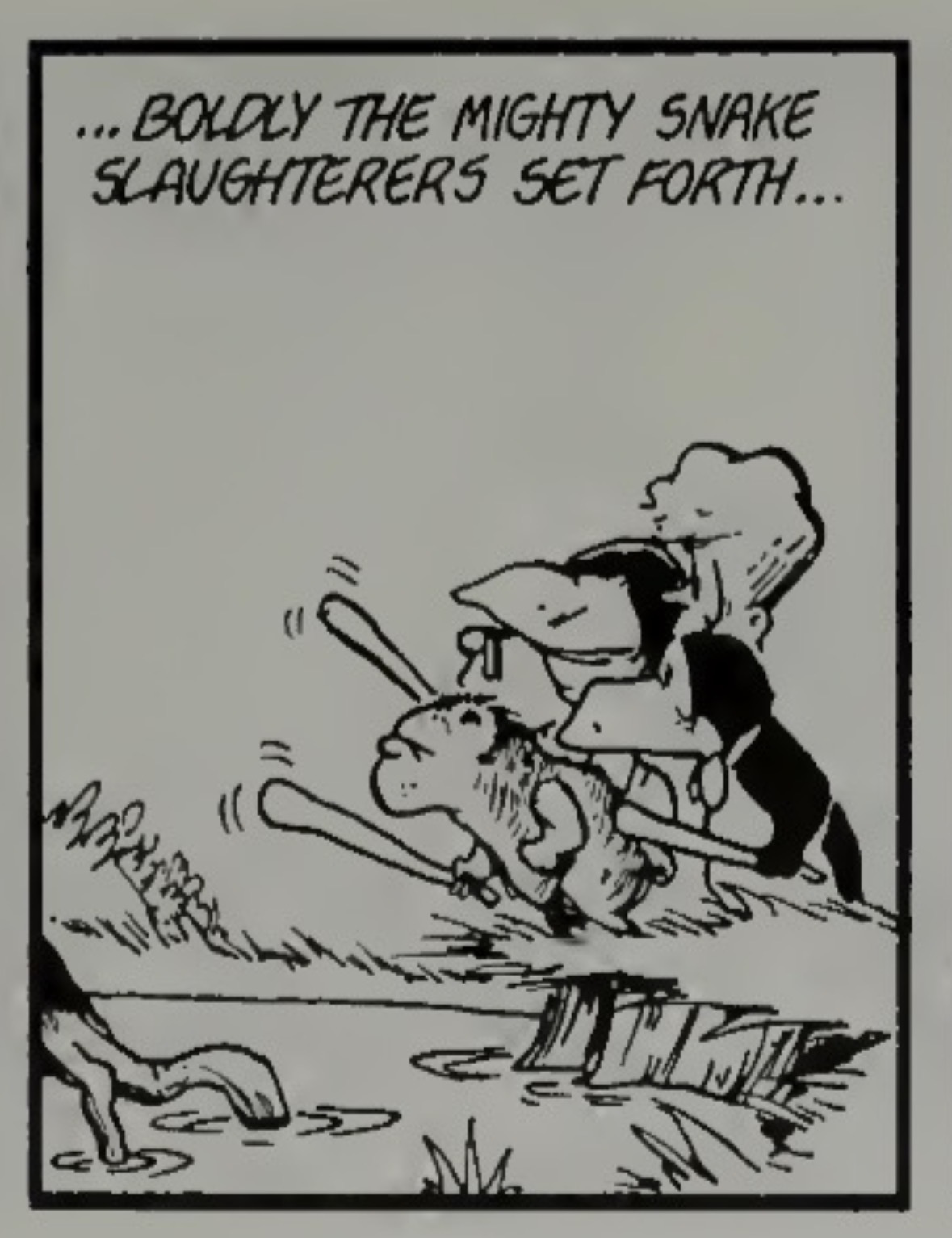
deleted by creator
FWIW, it’s only the last panel where it’s bad, that panel is fine for me. If there’s no obvious blurring in the last panel for you, it must be my client.

I see it now, and I double checked. It is in the original scan.
I will try to dig up my copy of Toons For Our Times and scan this strip to replace today’s image.
It’s not a big deal, I just wondered if there was an easy fix moving forward. I would guess if you are screenshotting a pdf and saving as a jpg, the pdf might already be using a jpg in which case the jpg compression is working on what is already jpg compression. An easy fix might be to save the screenshot as a png instead of jpg, which might be good for this kind of image anyway. (Unless it’s already blurry… I just saw your other reply.)
iOS saves my screenshots as a PNG already.
I looked ahead a couple pages and that one panel appears to be the only one with artifacts. Now I am not wearing my reading glasses, so i could be wrong.
Jpg always has artifacts, it’s just a matter of whether they are noticeable and how much we want to consider acceptable. I can see smugding in the panel you showed in a previous comment such as around the GH in slaughter, and on the leftmost character’s forehead. I don’t consider that problematic though.
The image in the Lemmy post does seem to be jpg, so if you are uploading a png, maybe something is converting it.
Anyway I’m not trying to make your life harder, I appreciate you posting these for us, and can live with imperfection.
Anyway I’m not trying to make your life harder
I want these to be the best they can be so everyone can enjoy them.
It appears it may be iOS converting the png screenshot to jpeg when it uploads. If I save to files then upload it remains png. I will try that.
Heehee, the next 3 days are my favorite in all of Bloomdom. Can’t wait
:::Lord of the Rings main theme::::